




Efficient Workspace Systems to Boost Productivity

September 20, 2026

Efficient workspace systems help a business organize physical spaces, digital files, supplies, and daily workflows so people can find what they need quickly and complete tasks with fewer interruptions. The right system reduces clutter, saves time, improves consistency, and creates a workplace that supports productivity instead of making work harder.

Why Do Efficient Workspace Systems Matter?

A workspace affects how people think, communicate, and complete routine tasks. When supplies are difficult to locate, files are stored inconsistently, or work surfaces fill with unfinished projects, employees lose time making decisions that should be automatic.

Efficient workspace systems create clear answers to everyday questions:

  • Where does this item belong?
  • Who is responsible for updating it?
  • What should happen next?
  • How often should the system be maintained?
  • What information needs to be visible?

The goal is not to make every office look minimalist. The goal is to make the space intuitive. A well-organized workplace should help people move from one task to the next without repeatedly searching, sorting, or asking for clarification.

For Lafayette businesses, professional business organizing services can provide an objective perspective on how a workspace is being used and where practical improvements are possible.

How Do You Create an Efficient Workspace System?

Creating an efficient workspace system starts with observing the current workflow rather than buying containers or rearranging furniture immediately. Use the following process to build a system that fits the people and work already happening in the space.

1. Observe how work moves through the space

Spend time watching how employees enter the workspace, collect supplies, handle paperwork, use shared equipment, and store completed projects. Look for repeated friction points, such as:

  • Supplies stored far from where they are used
  • Shared items without a clear return location
  • Paper documents waiting for different stages of processing
  • Frequently used tools hidden in cabinets or drawers
  • Walkways blocked by boxes, extra furniture, or temporary storage

The best organizing decisions reflect real behavior. A system that looks attractive but ignores the way people work will not last.

2. Group items by function and frequency

Sort supplies, documents, and equipment according to how they support the business. Functional categories might include client materials, shipping supplies, accounting documents, marketing resources, cleaning products, or technology accessories.

Within each category, separate items by frequency of use:

  • Daily-use items should be easiest to reach.
  • Weekly-use items can be stored nearby.
  • Occasional items can go in less accessible storage.
  • Archived or inactive materials should be clearly separated.

This simple approach keeps valuable, convenient storage space available for the things employees use most.

3. Assign every item a logical home

A designated home prevents supplies from drifting across desks and rooms. Choose storage locations based on function, not just available space. For example, printer paper belongs near the printer, packing tape belongs near shipping materials, and client meeting supplies belong near the meeting area.

If an item has no logical home, decide whether it is necessary, needs a new category, or should be donated, recycled, or discarded.

4. Make the system visible

Labels, color coding, simple signs, and consistent naming conventions make systems easier to use. Labels should be specific enough to answer what belongs inside without creating unnecessary complexity.

Instead of labeling a bin “Miscellaneous,” try “Extra Phone Chargers” or “Unopened Client Materials.” Clear labels reduce questions and help new employees learn the workspace faster.

Efficient workspace systems with labeled storage and clear work zones

What Should an Organized Business Workspace Include?

Every business is different, but most productive workspaces benefit from a few foundational zones. Designing around these zones helps separate activities and reduce visual and physical distractions.

Focus work area

This area should support concentrated work. Keep the desk or workstation limited to frequently used tools, current projects, and essential technology. Create a simple process for moving completed work off the desk so surfaces do not become permanent storage.

Shared supply area

Shared supplies should be easy to access without interrupting someone’s focused work. Group similar items together and label shelves, drawers, or bins. Keep duplicates under control by setting a reasonable quantity for commonly used products.

Incoming and outgoing area

Paperwork, deliveries, mail, and client materials often create clutter because they lack a clear transition point. A designated incoming area and outgoing area can make responsibilities more visible and reduce misplaced documents.

Archive and reference storage

Older files should not compete with current work for prime storage locations. Use consistent labels, dates, retention guidelines, and privacy practices to separate active materials from archives.

Reset area

A small reset zone can hold cleaning supplies, spare cables, replacement labels, or other items used to restore the workspace. This makes it easier to maintain the system after busy periods.

How Can Workspace Organization Improve Productivity?

Workspace organization improves productivity by reducing the small interruptions that accumulate throughout the day. When employees know where items belong and how work should progress, they spend less time searching and switching between tasks.

Benefits may include:

  • Faster access to supplies and information
  • Fewer duplicate purchases
  • Easier onboarding for new employees
  • More consistent customer and client service
  • Reduced stress around shared spaces
  • Better use of existing office square footage

An organized environment also makes problems easier to identify. If a process consistently creates a pile of unfinished paperwork, the issue may be the workflow rather than the employees. Organizing can reveal where a business needs a clearer handoff, decision point, or responsibility.

How Do You Organize Shared Office Storage?

Shared storage works best when it is designed for the entire team instead of one person’s memory. Start by identifying who uses each category and what they need to know when returning an item.

Use these guidelines:

  1. Store frequently used items between waist and shoulder height when possible.
  2. Keep heavy items on lower shelves for safer access.
  3. Place related supplies together, even if they were previously stored in separate rooms.
  4. Label both the front of containers and the shelf location.
  5. Leave a small amount of open capacity so the system can absorb normal activity.

Avoid filling every shelf and drawer. Overstuffed storage makes items harder to see, increases friction, and encourages people to place things wherever space happens to be available.

A quarterly review can help remove expired materials, consolidate duplicates, and adjust storage as the business changes.

What Is the Best Way to Organize Digital and Paper Files?

Digital and paper systems should use similar language so employees do not have to learn two completely different ways of finding information. Establish a short list of categories, naming rules, and ownership expectations.

For paper files:

  • Separate active, reference, and archived documents.
  • Use consistent client, project, or department names.
  • Add dates when they clarify the order or status.
  • Keep confidential materials in secure, access-controlled storage.

For digital files:

  • Use one shared folder structure for common work.
  • Create a naming convention employees can follow quickly.
  • Avoid saving final documents in personal desktop folders.
  • Review duplicate, outdated, and unclear files regularly.
  • Define who owns final approval and version control.

The system does not need to be complicated. A small business may need only a few top-level folders and consistent file names. The important part is that everyone understands and follows the same structure.

Organized business filing system with clear folders, labels, and digital workflow notes

How Can You Make an Organization System Easy to Maintain?

A system is successful when people can maintain it during a busy week—not only when the office has been freshly organized. Build maintenance into normal routines.

Try a five-minute reset at the end of the workday. Return shared supplies, clear completed paperwork, place active projects in their designated locations, and remove unnecessary items from common surfaces.

Assign ownership for areas that need regular attention. Ownership does not mean one person does all the work; it means someone is responsible for noticing when a system needs adjustment.

Also, make changes based on evidence. If people repeatedly ignore a labeled cabinet, ask why. The location may be inconvenient, the category may be unclear, or the process may not match the actual workflow.

Common Workspace Organization Mistakes

Even well-intentioned organizing projects can create systems that do not last. Watch for these common mistakes:

  • Buying storage products before sorting and measuring
  • Creating too many categories or overly detailed labels
  • Hiding frequently used items because they look untidy
  • Designing for an ideal day instead of a busy day
  • Keeping items “just in case” without a review date
  • Failing to explain the system to the people who use it

Organization should make work easier, not add another complicated procedure. If a system takes too many steps, simplify it.

When Should a Business Hire a Professional Organizer?

A professional organizer can help when clutter is affecting productivity, a move or expansion is approaching, employees cannot agree on a system, or previous organizing efforts have not lasted.

Professional support is especially useful when a business needs help with:

  • Evaluating an inefficient layout
  • Creating shared storage and filing systems
  • Sorting large quantities of supplies or records
  • Preparing for an office move
  • Establishing practical maintenance routines
  • Making better use of limited square footage

Amazing Spaces Organizing + Design serves Lafayette, LA, with practical organizing solutions for businesses and homes. You can learn more about business organizing or contact the team to discuss your workspace needs.

Professional organizer planning an efficient office layout with labeled zones

Efficient Workspace Systems: Key Takeaways

Efficient workspace systems help businesses reduce searching, interruptions, duplicate purchases, and confusion about where work belongs. Start by observing how people use the space, then group items by function and frequency, assign logical homes, and make the system visible with clear labels. Separate active work from archives, create practical shared-storage zones, and build short reset routines into the workday. If the workspace remains difficult to maintain or no longer supports the business, professional organizing can help create a simpler system that fits real workflows. Evaluate your space, choose one high-friction area, and improve it first.

By Renee Ory September 17, 2026
There Are a Few Things to Consider Before Choosing a Paint Color for Your Home
Downsizing services help families keep meaningful heirlooms and memories
September 12, 2026
Learn how to downsize with less stress while honoring family memories, choosing meaningful keepsakes, and creating a home that supports your next chapter in Lafayette, LA.
A few small changes can help your family stay organized and stress-free this summer.
By Renee Ory June 16, 2026
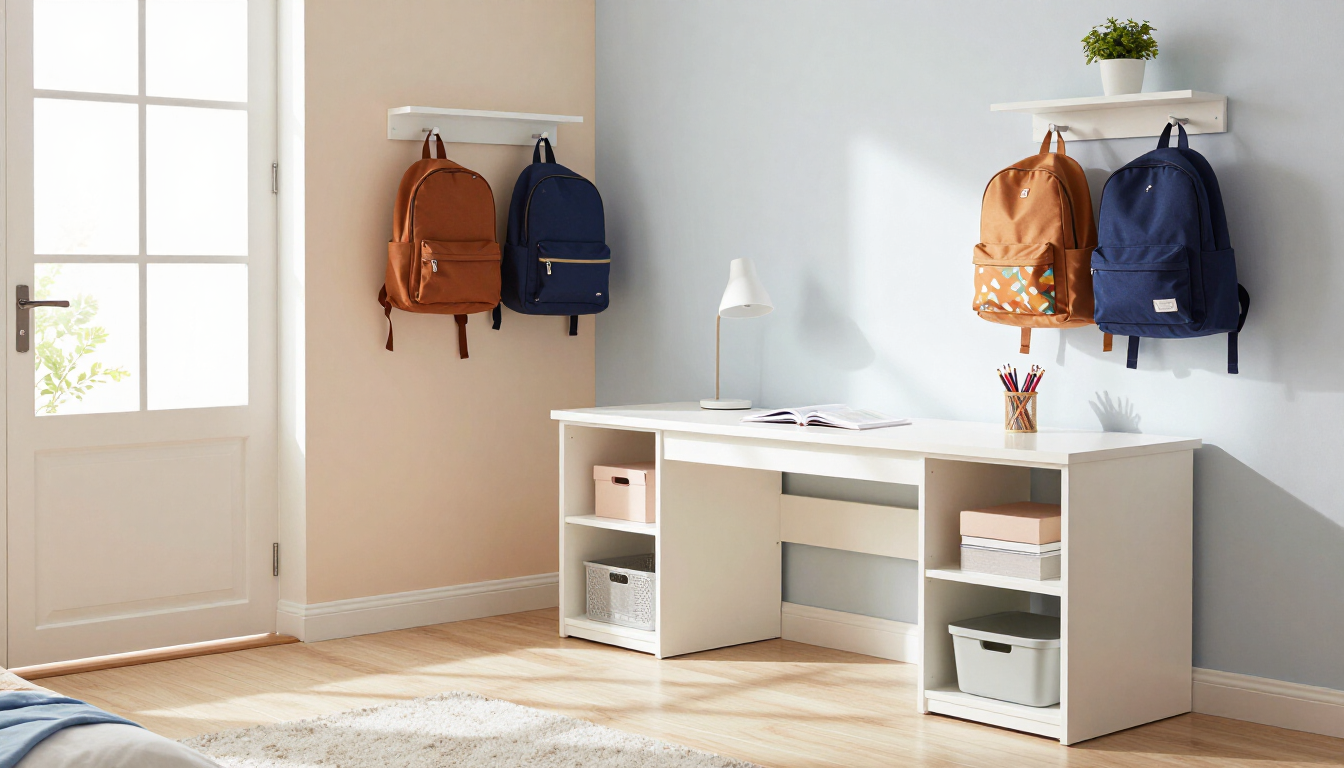
Prepare your Lafayette home for the new school year with our comprehensive summer reset guide. Learn how to organize kids' spaces and family zones before school starts.
Organized hurricane emergency supplies before Hurricane season.
By Renee Ory May 19, 2026
Master hurricane prep organizing before June 1 with our expert guide. Learn how to audit supplies, digitize documents, and create a stress-free emergency plan in Lafayette, LA.

Beautifully organized home interior with spring flowers and bright natural light.
By Renee Ory May 3, 2026
Refresh your home this May! Discover expert spring home organization tips from Amazing Spaces Organizing + Design to create a calm, functional, and blooming space in Lafayette, LA.

A perfectly organized shelf representing a spring reset for a fresh home.
March 21, 2026
Transform your home this spring with a complete reset. Learn expert organizing, design, and color tips to refresh your space and energy from Lafayette professionals.

By Renee Ory March 8, 2026
Why It Feels Overwhelming and How to Move Forward with Confidence.
Letting go of sentimental clutter and honoring the memory.
By Renee Ory February 6, 2026
Guidance on letting go of sentimental clutter by keeping meaningful memories while releasing excess items to create a lighter, more intentional home.

Empty room with cardboard boxes stacked, a small ladder, and a hanging light.
By Renee Ory January 23, 2026
Amazing Spaces’ Pack & Unpack Services are designed to take the stress out of relocating by handling every detail with care and efficiency.
Before and after of a wooden armoire, left messy with items, right organized with folded clothes.
By Renee Ory January 23, 2026
One-Day Room Organization for Immediate Results
Show More